How to Redeem Slop Tower Defense Codes
Unlock the Codes box after 10 wins, paste active strings, and claim Cash or Gems safely.
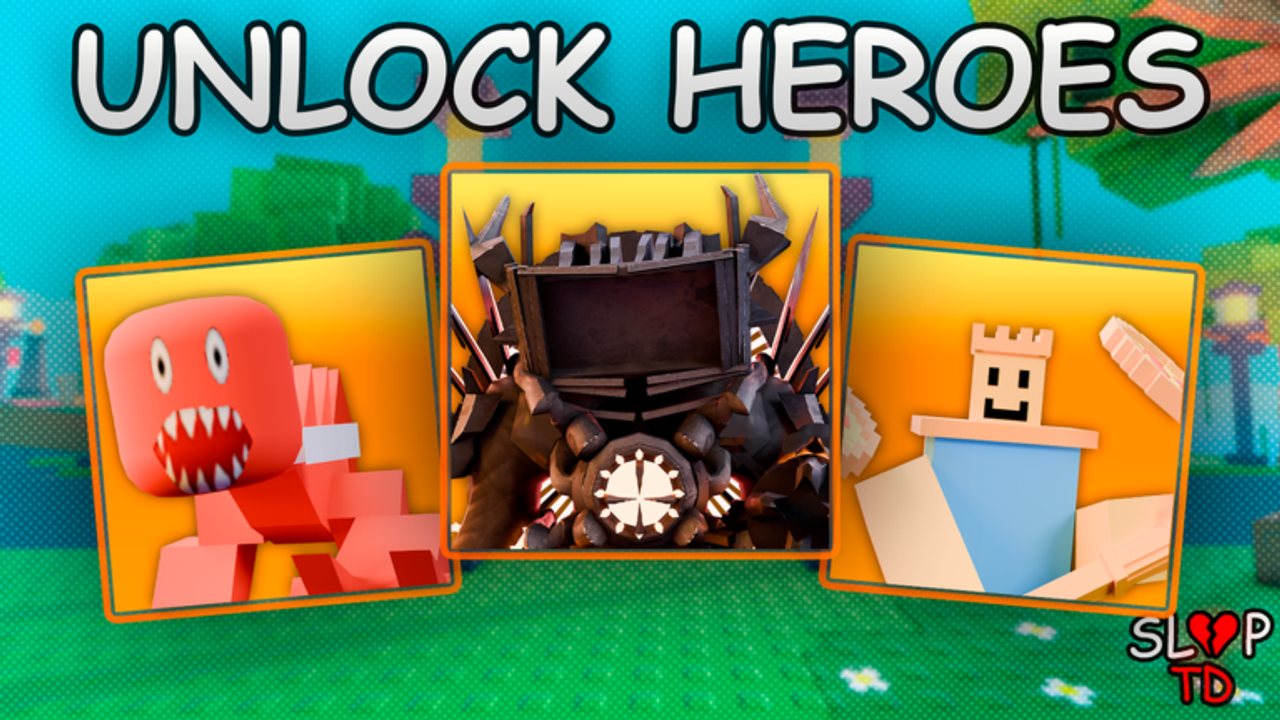
Redeeming Slop Tower Defense codes is simple once the feature unlocks, but many new players bounce off the 10-win requirement or miss the Codes box buried in Settings / Shop. This guide walks through every step, explains what each reward currency is for, and links the active list on the Codes Hub.
Before you redeem
- Join the official experience Slop Tower Defense by Slop TD! on Roblox.
- Finish the short onboarding so you can place units and start a match.
- Plan to win ten completed matches. Partial runs that end early usually do not count toward the unlock.
- Keep a notepad or this wiki open so you can paste codes without typos.
If you still need those early wins, follow Getting Started and farm Brainrot Bases → Base → Normal with at least three attackers before stacking farm units. Avoid overcommitting to Freddy Trashcan early — it is a common farm trap that slows clears.
Step-by-step redeem path
1. Reach 10 wins
Queue Normal difficulty on the starter Brainrot Bases map. Focus on a simple attacker triangle, place farms only after your DPS core is online, and claim Playtime Rewards plus Quests between matches so income compounds. Ten clean wins matter more than chasing Nightmare this early.
2. Open Settings or Shop
After the unlock, open the left-side HUD. Depending on the current UI build you will find Codes under Settings or inside the Shop panel. Scroll the left column until the Codes input appears. If you do not see it, confirm you actually have ten wins and that you are not in a restricted event lobby.
3. Enter one code at a time
Paste a string from the active codes table. Confirm the redeem. Watch for toast notifications and check Cash, Gems, and inventory. Do not mash multiple codes instantly — wait for each response so you know which string succeeded.
4. Verify the payout
- Cash should rise in your main economy display.
- Gems update the premium wallet used for Premium Summons.
- Unit or item codes (for example wipe compensation like Isaac2) appear in inventory or roster.
- Niche currencies such as Sheckles or Suns from
DATA WIPEcodes feed specialist systems — see Summons and Crafting.
5. Spend with a plan
Basic Summon pricing sits at 500 / 4750 x10 / 20000 x50 Cash. Premium Summons spend Gems. New accounts usually get more progress converting Cash into roster breadth, then aiming Gems at high-impact Premium pulls once they understand the Best Units list.
Common errors and fixes
| Message / symptom | Likely cause | Fix |
|---|---|---|
| Codes box missing | Fewer than 10 wins | Finish Normal clears on Brainrot Bases |
| Invalid code | Typo, spacing, or expired string | Recopy from the Codes Hub; try uppercase/lowercase carefully |
| Already redeemed | Account claimed it earlier | Skip; codes are typically one-time per account |
| No reward toast | UI lag or wrong wallet | Reopen inventory / currency panels; rejoin experience |
| Works for friends, not you | Region delay or soft rollout | Rejoin servers; check Updates for wipe notes |
Best codes to redeem first
Priority order for most beginners:
SLOP— official description Cash dump (about 900 Cash).- Milestone Gem codes such as
1MVISITS!,3KSERVERMEMBERS, and3KCCUwhen active. MINIUPDATEfor a quick Gem bump.- Data wipe strings (
DATA WIPE 1/2/3) if you still need Sheckles, Suns, or Isaac2. - Newer freebies like
bear5andevil_kanye.
Skip the possibly expired list until the active table is empty. Time spent testing dead strings is better spent earning another win.
Safety notes
- Never install executors or “auto redeem” tools. Our Scripts page documents that no verified public scripts were found for this game as of September 2026, and third-party injectors risk bans.
- Do not share account passwords with people promising private codes.
- Community Discord invites circulate widely; treat them as unofficial and never enter sensitive info.
- The Roblox community group for the game is a safer place to confirm announcements than random profile walls.
After redeeming — next progression steps
- Re-read How to Play so Cash sinks into the correct loop.
- Check Maps before jumping difficulties — Nightmare punishes weak economies.
- If a Space Event is live, skim Space Event before dumping exclusive currencies.
- Compare pulls against the Tier List Hub so trades and crafts target S-tier pieces like Cockey Poseidon, Watch of Doom, Star Fruit, Upgraded Titan TV Man, Patriot TV Man, Party Cat, and Upgraded Titan Clock Man.
Related pages
- Codes Hub — live and expired tables
- Getting Started — win farming path
- Units Hub — roster priorities
- Crafting — when wipe currencies matter
- Updates Hub — why new codes appear after wipes
Redeem often after updates, but always through the official in-game box. If a social post asks you to leave the Roblox client to “verify” a code, close it and return to this guide.
Frequently Asked Questions
Quick answers for Slop Tower Defense players.
How many wins do I need to redeem codes?
Ten completed wins unlock the Codes box. Farm Brainrot Bases on Normal if you are still learning the placement loop.
Where is the Codes box in the UI?
Open Settings or the Shop from the left side of the HUD, then scroll until Codes appears. UI labels can shift slightly after patches.
Can I redeem the same code twice?
Usually no. Each code is one-time per account. If it says already redeemed, move to the next string.
What should I buy after redeeming Cash?
Prioritize Basic Summons and a three-attacker core before heavy farm investment. See Getting Started and Summons and Crafting for spend order.
Are code redeem bots safe?
No. Use only the official in-game Codes box. Injectors and auto tools can violate Roblox rules and risk your account.